渐入与滚动动画效果
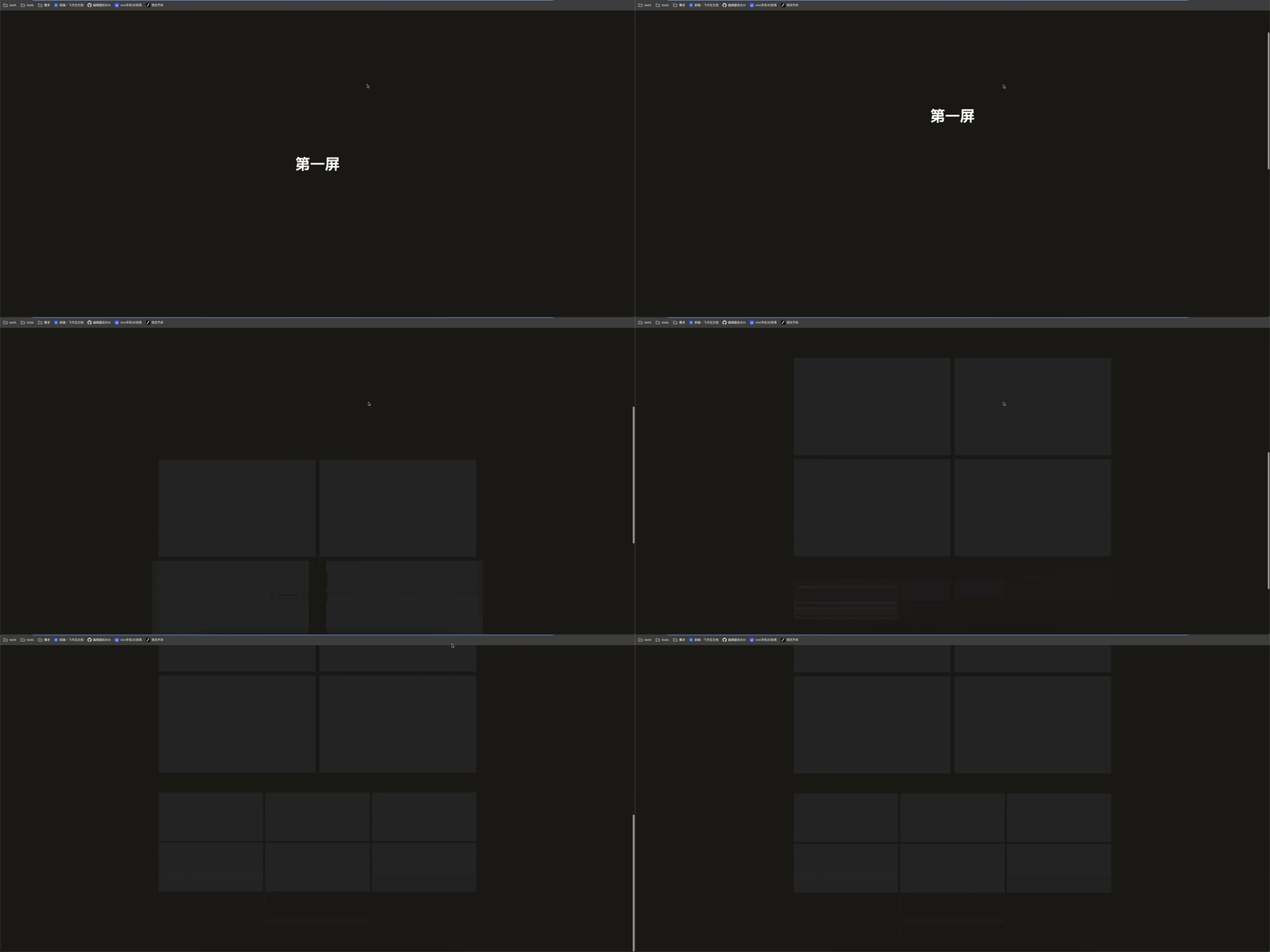
jsx
'use client'

import { useGSAP } from '@gsap/react'
import { gsap } from 'gsap'

export default function FadeIn() {
  useGSAP(() => {
    gsap.fromTo(
      '.title1',
      {
        opacity: 0
      },
      {
        opacity: 1,
        y: '0%',
        duration: 1,
        ease: 'power2.out'
      }
    )
    const t1 = gsap.timeline({
      scrollTrigger: {
        trigger: '.item1',
        start: 'center bottom',
        end: 'center bottom',
        toggleActions: 'play none reverse none'
      }
    })

    t1.addLabel('spin')

    t1.from(
      '.item1',
      {
        opacity: 0,
        x: '-10%'
      },
      'spin'
    )

    t1.from(
      '.item2',
      {
        opacity: 0,
        x: '10%'
      },
      'spin'
    )

    const t2 = gsap.timeline({
      scrollTrigger: {
        trigger: '.item3',
        start: 'center bottom',
        end: 'center bottom',
        toggleActions: 'play none reverse none'
      }
    })

    t2.addLabel('spin')

    t2.from(
      '.item3',
      {
        opacity: 0,
        x: '-10%'
      },
      'spin'
    )

    t2.from(
      '.item4',
      {
        opacity: 0,
        x: '10%'
      },
      'spin'
    )

    const t3 = gsap.timeline({
      scrollTrigger: {
        trigger: '.item5',
        start: 'center bottom',
        end: 'center bottom',
        toggleActions: 'play none reverse none'
      }
    })

    t3.from('.item5', {
      opacity: 0,
      y: 20,
      stagger: 0.1
    })
  })
  return (
    <article className="w-screen overflow-x-hidden bg-stone-900 text-center text-white">
      <section className="title1 flex h-screen items-center justify-center text-6xl font-bold">
        渐入与滚动动画效果
      </section>
      <section className="flex items-center justify-center">
        <div className="grid h-[90vw] w-[90vw] grid-cols-2 grid-rows-2 gap-2 lg:h-[800px] lg:w-[1280px] lg:gap-4">
          <div className="item1 h-full bg-[#252525]"></div>
          <div className="item2 h-full bg-[#252525]"></div>
          <div className="item3 h-full bg-[#252525]"></div>
          <div className="item4 h-full bg-[#252525]"></div>
        </div>
      </section>
      <section className="mb-60 mt-20 flex items-center justify-center">
        <div className="grid h-[45vw] w-[90vw] grid-cols-3 grid-rows-2 gap-2 lg:h-[400px] lg:w-[1280px]">
          {Array(6)
            .fill(0)
            .map((item, index) => {
              return <div key={index} className="item5 bg-[#252525]"></div>
            })}
        </div>
      </section>
    </article>
  )
}
'use client'
import { useGSAP } from '@gsap/react'
import { gsap } from 'gsap'
export default function FadeIn() {
useGSAP(() => {
gsap.fromTo(
'.title1',
{
opacity: 0
},
{
opacity: 1,
y: '0%',
duration: 1,
ease: 'power2.out'
}
)
const t1 = gsap.timeline({
scrollTrigger: {
trigger: '.item1',
start: 'center bottom',
end: 'center bottom',
toggleActions: 'play none reverse none'
}
})
t1.addLabel('spin')
t1.from(
'.item1',
{
opacity: 0,
x: '-10%'
},
'spin'
)
t1.from(
'.item2',
{
opacity: 0,
x: '10%'
},
'spin'
)
const t2 = gsap.timeline({
scrollTrigger: {
trigger: '.item3',
start: 'center bottom',
end: 'center bottom',
toggleActions: 'play none reverse none'
}
})
t2.addLabel('spin')
t2.from(
'.item3',
{
opacity: 0,
x: '-10%'
},
'spin'
)
t2.from(
'.item4',
{
opacity: 0,
x: '10%'
},
'spin'
)
const t3 = gsap.timeline({
scrollTrigger: {
trigger: '.item5',
start: 'center bottom',
end: 'center bottom',
toggleActions: 'play none reverse none'
}
})
t3.from('.item5', {
opacity: 0,
y: 20,
stagger: 0.1
})
})
return (
<article className="w-screen overflow-x-hidden bg-stone-900 text-center text-white">
<section className="title1 flex h-screen items-center justify-center text-6xl font-bold">
渐入与滚动动画效果
</section>
<section className="flex items-center justify-center">
<div className="grid h-[90vw] w-[90vw] grid-cols-2 grid-rows-2 gap-2 lg:h-[800px] lg:w-[1280px] lg:gap-4">
<div className="item1 h-full bg-[#252525]"></div>
<div className="item2 h-full bg-[#252525]"></div>
<div className="item3 h-full bg-[#252525]"></div>
<div className="item4 h-full bg-[#252525]"></div>
</div>
</section>
<section className="mb-60 mt-20 flex items-center justify-center">
<div className="grid h-[45vw] w-[90vw] grid-cols-3 grid-rows-2 gap-2 lg:h-[400px] lg:w-[1280px]">
{Array(6)
.fill(0)
.map((item, index) => {
return <div key={index} className="item5 bg-[#252525]"></div>
})}
</div>
</section>
</article>
)
}- 左右布局和上下布局的技巧
- 背景大图动画技巧
- 多个模块错位动画
- 图片的裁剪动画
- 数字滚动动画
- 转场动画